.png)
 Andrew Utterback
BY ANDREW UTTERBACK
Podcast Producer
I’ve been a Mac user for about five years now, and one of my favorite things is the abundance of third-party productivity/functionality apps.
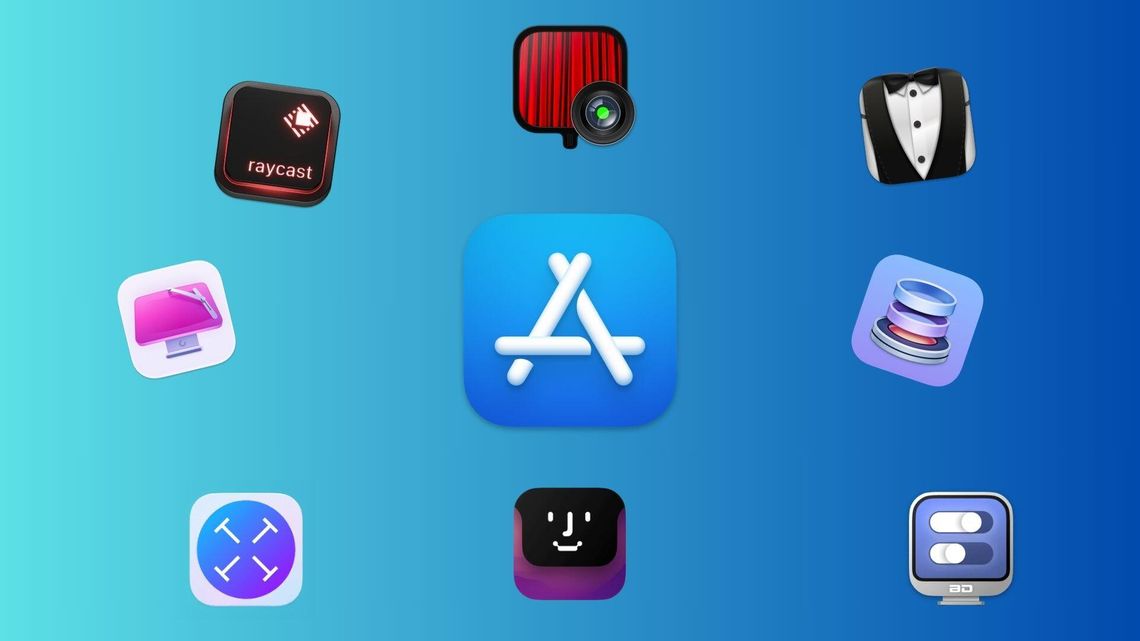
CleanMyMac
My all-time favorite Mac app is CleanMyMac. At the press of a button, this app will check your computer for viruses, clean up space by finding old or unused files and optimize your Mac’s performance.
It has a menu bar icon that shows your available storage, RAM, CPU usage and temperature and a host of other customizable widgets. It also has a Space Lens feature that is a better-built version of MacOS’s native storage viewer, as well as an uninstaller feature which fully deletes apps you no longer want and takes all of the background files with them.
It is genuinely one of the most useful Mac apps and one that I recommend to every Mac user I know.
Price- $40/year or $120 one time
Bartender
If you (like me) have more than just a few Mac apps, your menu bar can get quite crowded.
Bartender steps right in and hides whichever icons you’d like hidden until you drag your cursor over the empty space. It’s a simple concept that’s executed quite well; my only knock is the slightly high price.
Price- $20
Text Sniper
Have you ever come across text that you needed to copy but was not copyable? Text Sniper allows you to hold Command-Shift-2 and then drag a box around any text on screen. Releasing your cursor instantly copies the text off the screen, and you’re ready to paste.
I love using this to copy words off images or PDF files that don’t let you select it the normal way.
Price- $8
Better Display
If you use a monitor with your mac, Better Display is one of the most useful tools I’ve found. Its primary feature is letting you adjust your monitor’s brightness with your keyboard controls, just like your MacBook screen. If you’ve ever had the displeasure of fidgeting with the built-in controls on your monitor, you likely understand the appeal here.
Price- Free
Raycast
Raycast is one of those tools that I quite like, but don’t necessarily recommend to anyone and everyone, simply because it replaces a native MacOS feature (Spotlight) with a more complicated version.
After installation, upon hitting Command-Space Bar, you are greeted with a pop-up search bar that looks very similar to Spotlight but has more shortcuts, plugins and other little features that I’ve grown to like. File searching with Raycast is much more efficient, and the various plugins with Spotify and Fantastical (My calendar app of choice) make it a pretty useful tool.
The only downside is the learning curve required.
Price- Free
Notch Nook
Think of this app like a Dynamic Island for a Mac. It essentially turns your MacBook’s notch into a file holder, song skipper and widget hub that pops down when you drag your cursor over it and then sinks right back into the notch when you’re done. As someone who loves their Dynamic Island on my iPhone, having a bit more functionality out of the notch is appreciated.
Price- $3/month or $25 one time
Drop Zone
Drop Zone is a menu bar icon that serves as a holder when you drop files into it. So, if you have a handful of pictures to bring into Lightroom, simply drop the stack of photos into the Drop Zone pop-down window, open Lightroom and then grab the photos from your menu bar when you need them.
It also has icons for AirDrop and quick sharing, meaning you can drag a photo to the top and quickly AirDrop it without having to click through the share menu.
Price- Free
Hand Mirror
Ever wanted to take a glance in the mirror before a Zoom call, but you’re already sitting down?
Just reach up and click the Hand Mirror icon in your menu bar, and a small dropdown view of your webcam pops down for a quick pre-meeting check.
Price- Free
Comment
Comments