.png)
BY CAROLINE CRAIN
News Editor
Taking effective notes is a key skill for college success. Whether you're scribbling in a notebook or sketching on a tablet, the way you capture information can affect how well you learn and retain it. Below are four major strategies students use—each with pros, cons and specific tools that can elevate your note-taking game.
Pen and paper
Why it works: Writing by hand slows you down just enough to process the material, which helps with conceptual learning. A widely cited 2014 Princeton-UCLA study by Pam Mueller and Daniel Oppenheimer, “The pen is mightier than the keyboard: advantages of longhand over laptop note taking,” found that students who handwrote notes remembered material better and performed better on tests requiring understanding over memorization.
Example tool: Five Star spiral notebooks now come with the “Five Star Study App,” which allows you to scan your handwritten notes into digital form using your phone. This bridges the gap between analog and digital—so you can write by hand in class and still have your notes accessible from your laptop or phone later.
Best for: Students who retain information better through writing and want a low-tech solution with some modern perks.
Downsides: Slower writing speed, tougher to reorganize notes later and easy to lose physical copies unless you back them up.
Laptop note-taking
Why it works: Typing is fast and efficient—great for fast-paced lectures where you need to capture a lot of detail. Digital notes are searchable, editable and easy to organize by folders or tags.
Example tools: Apps like “Microsoft OneNote,” “Notion” and “Evernote” offer flexible digital notebooks with features like cross-device syncing, voice memos, embedded images and automatic backups.
Research insight: Despite the speed, typing has its drawbacks. The same Mueller and Oppenheimer study found that students who typed were more likely to transcribe lectures verbatim, which resulted in less conceptual understanding.
Best for: Students in lecture-heavy or STEM courses where speed and structure matter most.
Downsides: Temptation to multitask is high—Facebook, email and online shopping are just a tab away.
Tablet with stylus
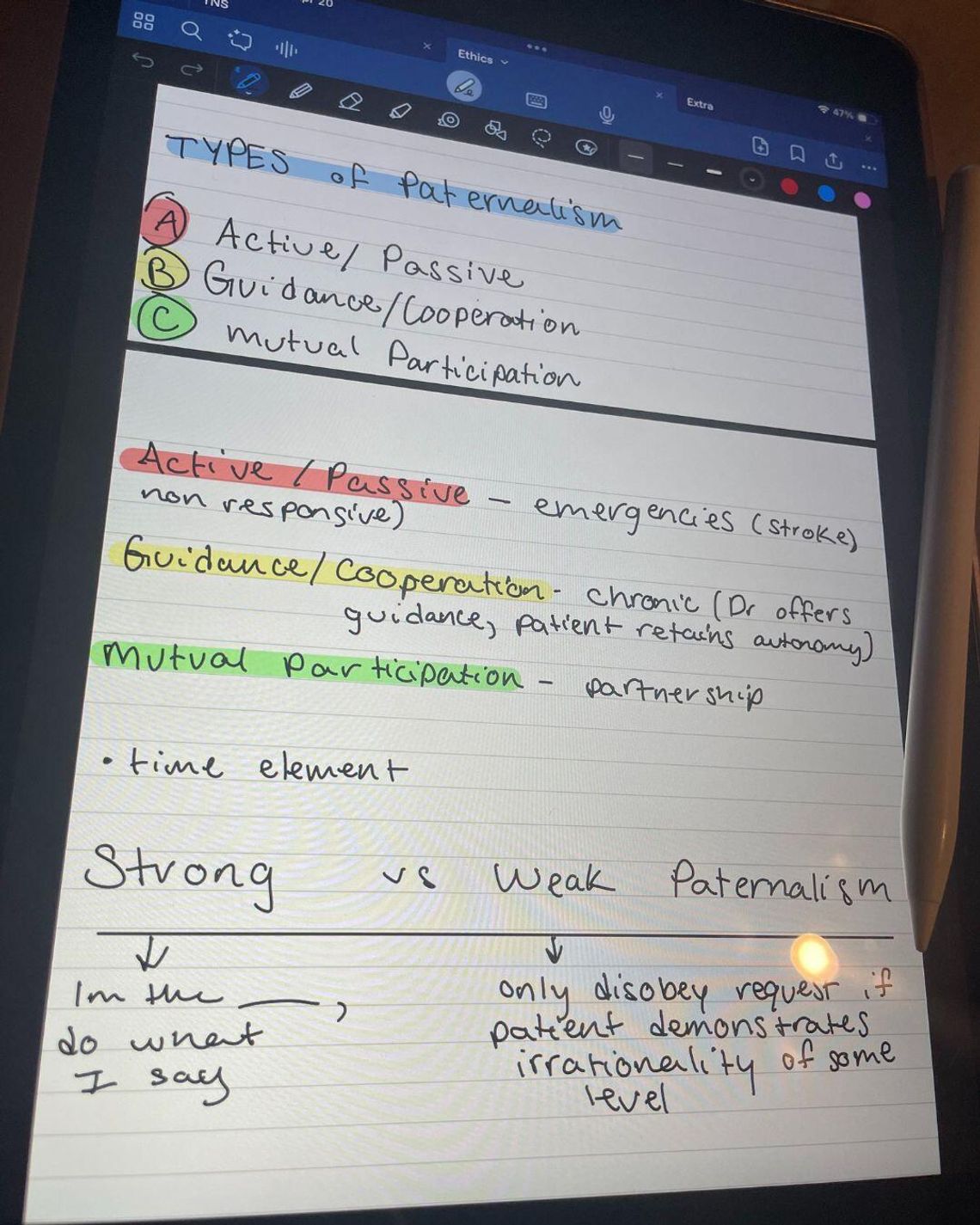
Why it works: Writing on a tablet with a stylus gives you the cognitive benefits of handwriting, plus the flexibility and organization of digital tools. You can use colors, move around text, insert images or audio and sync everything to the cloud.
Example tool: “GoodNotes” is one of the most popular apps for digital handwriting. It mimics the feel of paper while allowing unlimited notebooks, search features and easy export options to PDF or other formats.
User insight: Many students find iPad and Apple Pencil note-taking to be the best of both worlds. You can draw diagrams, highlight important points and keep everything backed up and organized in one place.
Best for: Students who like to write things out but also want portability and easy access to notes across devices.
Downsides: iPads and styluses are expensive, and there’s a learning curve to making full use of the software.
Alternate methods
Why it works: Creative and structured methods help reinforce learning in unique ways. Drawing or color coding taps into visual memory. Using a voice recorder lets you re-listen to complicated lectures.
Example techniques:
- Sketchnoting: Combines visuals with text. Research by Wammes, Meade and Fernandes in “The drawing effect: Evidence for reliable and robust memory benefits in free recall” found that drawing concepts helps students remember them better than just writing words.
- Cornell Notes: Divides notes into cues, notes and summaries to promote review and recall. Learn more from Cornell University’s guide.
- Audio Notes: Apps like “Otter.ai” provide AI-powered transcription and searchable recordings—useful for reviewing lectures or studying on the go.
Best for: Visual learners, auditory learners and anyone taking classes where diagrams or oral explanations are common.
Downsides: More time-consuming and may not work well in fast-paced lectures without supplemental notes.
Final thoughts: pick what fits your brain
There’s no one-size-fits-all approach to note-taking in college—the best method is the one that helps you process and recall information effectively.
Try different strategies, mix them up based on the class and lean into what makes you feel more confident come test time.
Comment
Comments